What you need
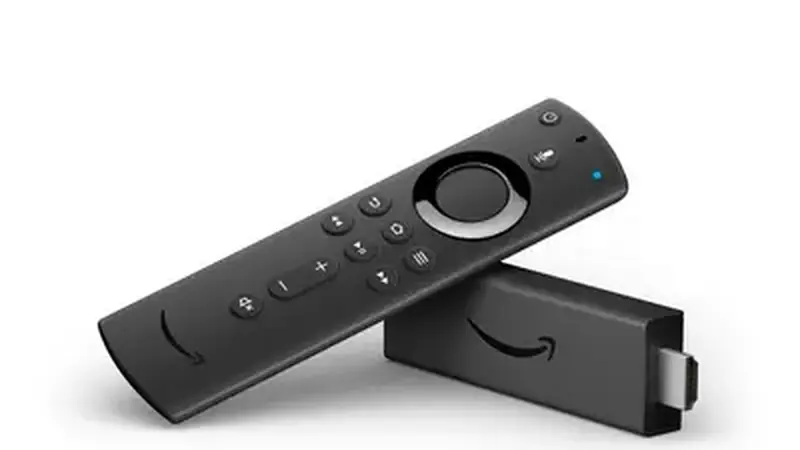
A Fire Stick (any recent model), the free Downloader app from the Amazon Appstore, and the APK. The Downloader app is the standard sideloading tool on Fire OS.
Enable unknown sources
On the Fire Stick, go to Settings, then My Fire TV, then Developer Options, and turn on Apps from Unknown Sources (or Install unknown apps on newer Fire OS). This is the Fire Stick equivalent of Android's sideload permission.
Install with Downloader
Open Downloader and enter the Yacine TV Black download page address to fetch the APK directly on the stick, or transfer the file from your phone with a send-files app. Open the APK, install, and the app lands in your app list. If the install fails, the not-installing fixes apply here too.
After the install
The Fire Stick remote navigates the channel list well. For a smoother experience, delete the APK file after installing to free space on the stick's small storage. If the app icon hides from the main row, check Settings, then Applications, then Manage Installed Applications, where every installed app is listed along with the exact storage left on the stick. The Android TV guide covers the same idea on Google-powered TVs.