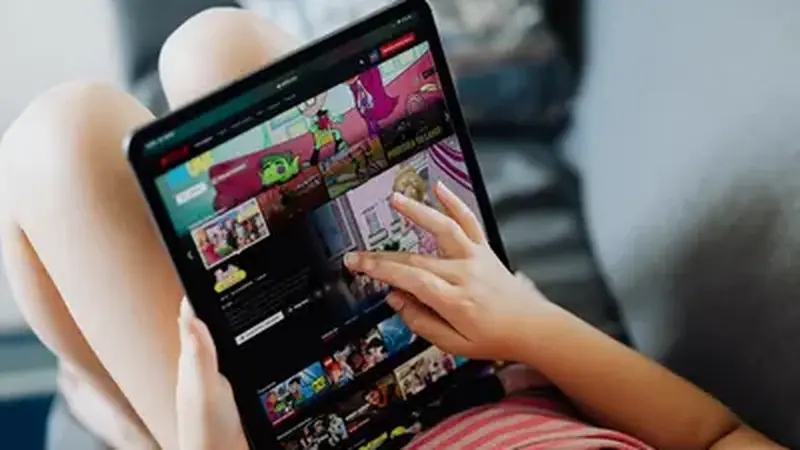
Install on a tablet
Tablets run the same Android, so the install is identical to phones: download the APK from the Yacine TV Black APK home page, allow unknown apps once, and install. The install guide covers it step by step.
Landscape is your friend
Rotate to landscape before opening a stream. The player fills the wide screen properly, and the channel list is easier to browse with the extra width. Lock the rotation if your tablet flips mid-match. A cheap folding stand turns the tablet into a mini TV for the table, and the stream keeps playing with the screen unlocked.
Why tablets suit matchday
A tablet is the sweet spot between a phone and a TV: big enough to enjoy, portable enough for the kitchen or the garden. Battery life on tablets also outlasts most phones through extra time and penalties. Many tablets also have louder speakers than phones, which helps when you watch without headphones.
One limitation
The interface is the phone layout scaled up, not a dedicated tablet design. Everything works, but buttons sit where the phone put them. Text stays readable and taps register fine; only the layout feels stretched on very wide tablets. If you want a true TV interface, the Android TV guide is the next step.