Before you start
You need two things: the APK file (9.1 MB) and about two minutes. Grab the file from the download page on this site, which is the tested source. The whole process takes less time than a halftime break.
Step 1: Download the APK
Tap the download button on the Yacine TV Black APK home page, wait through the short 6-second countdown, and save the file to your Downloads folder. Confirm the file size reads 9.1 MB before moving on: a short file is the number one cause of install failures.
Step 2: Allow unknown apps
Open the APK file. Android will ask you to allow your browser or file manager to install unknown apps. This is a one-time permission and it is normal for every app installed outside the Play Store. Approve it and go back to the file.
Step 3: Install and open
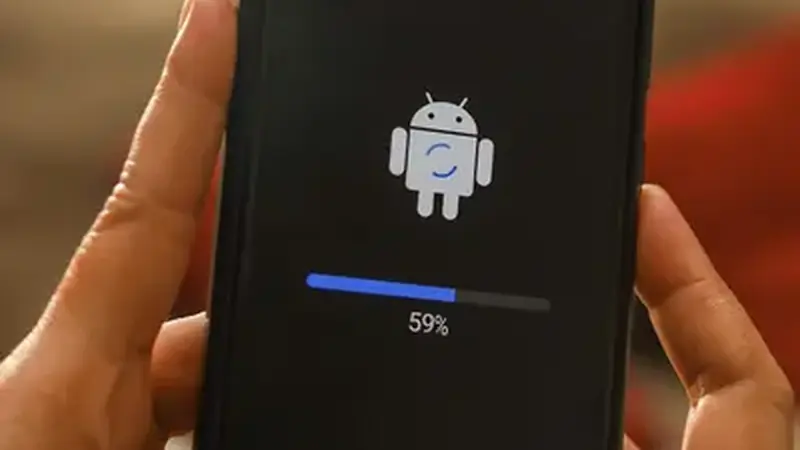
Tap Install on the system prompt. The install finishes in seconds. Open the app, grant the storage and network permissions it requests, and the channel list appears. Pick a channel and the stream starts. If you want the longer version with screenshots of every screen, the not-installing fix guide covers the errors people hit most.
If the install fails
Three checks fix almost every failure: the file is the full 9.1 MB, you removed any older copy of the app first, and your phone has free storage. Work through them in that order before trying anything exotic.