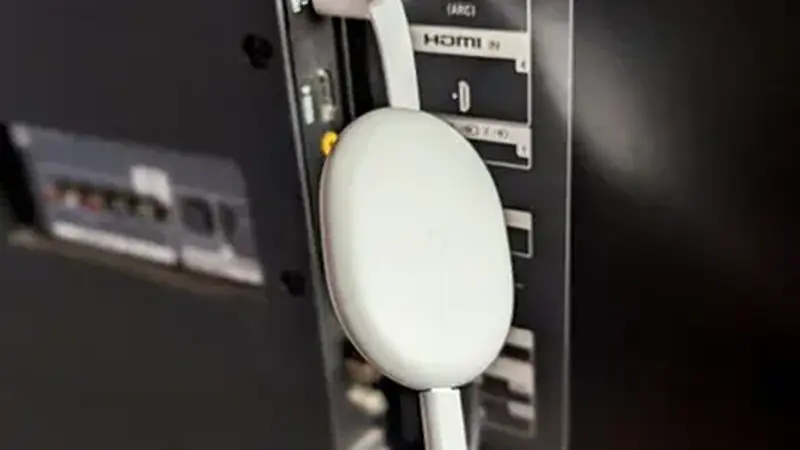
Two ways to get it on TV
You can cast the Yacine TV Black app stream to a TV two ways: Chromecast (or a Chromecast built into your TV) and plain screen mirroring. Both work; they differ in quality and battery use.
Chromecast method
Start the stream on your phone, open the Google Home app or your phone's Cast option, and pick your Chromecast or Cast-enabled TV. The phone keeps playing while the TV shows the picture. This usually gives the smoothest result because the TV handles the stream directly. Keep the phone on the same Wi-Fi network as the Chromecast; casting fails silently when the phone hops onto mobile data.
Screen mirroring method
No Chromecast? Use your phone's screen mirroring (Smart View, Screen Cast, or Miracast depending on brand) to mirror the whole display. It works with any Miracast-capable TV or stick, but it uses more battery and the quality follows your phone's screen. Turn on Do Not Disturb while mirroring so notifications do not pop up on the big screen mid-match.
Which looks better
For a permanent setup, installing the app directly on the TV wins: the Android TV guide and the Fire Stick guide cover that. Casting is best for the occasional big match at a friend's place.