The full list
The Yacine TV Black APK requests a short list: storage access and network access. That is it. No contacts, no location, no microphone, no SMS.
Why each one exists
Storage lets the player cache stream data, which keeps playback smooth and lets the app resume faster. Network access is how the streams arrive at all; without it there is no app. Both map directly to things you can see the app doing, which is exactly what a clean permission list looks like. Our safety breakdown puts this in the bigger picture.
How to review them yourself
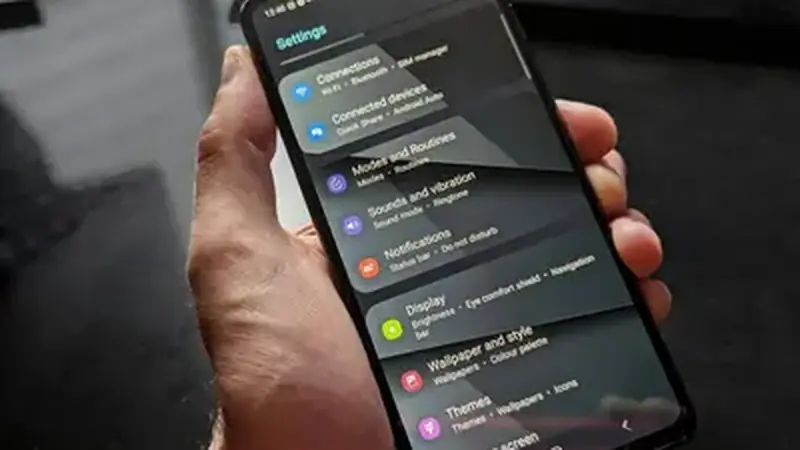
On your phone, go to Settings, then Apps, then the app, then Permissions. Everything the app holds is listed there, and you can revoke anything that looks wrong. Android will tell you if the app misbehaves without it. Check this screen after every update; a clean app never quietly adds a new permission.
Red flags to watch for
A streaming player has no business reading your contacts or sending SMS. If any build of this app ever asked for something like that, do not grant it, and tell us: it would fail our review protocol on the spot. Legitimate updates to a streaming player only ever need storage and network; anything beyond that deserves a hard no.