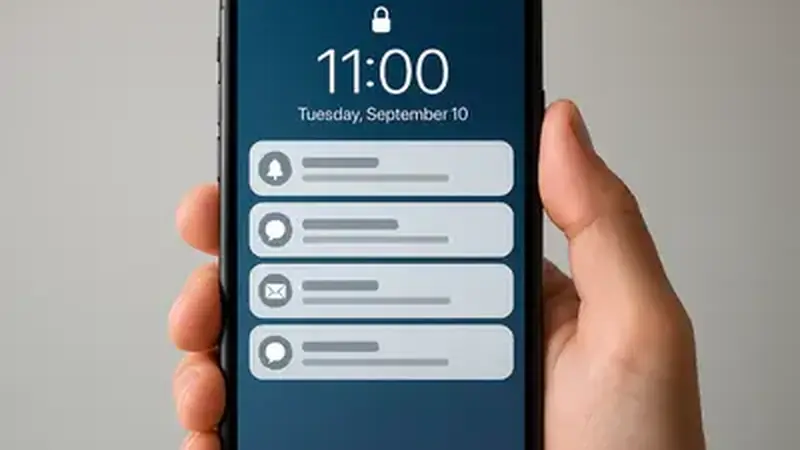
What notifications do
Notifications ping you when channels go live and big matches start, so you do not have to keep checking the Yacine TV Black app yourself. For cup finals and derby days, that is the difference between kickoff and the 20th minute. They fire a few minutes before kickoff, not at the exact second.
Turn them on
Android asks about notifications on first launch: allow them. If you skipped it, go to Settings, then Apps, then the app, then Notifications, and enable them. Also check that battery optimization is not set to kill the app in the background. On some phones you must also allow the app to run in the background: look for a background activity or autostart toggle in the app's battery settings.
If alerts do not arrive
Three usual suspects: notifications disabled in Android settings, the app restricted in background, or Do Not Disturb silencing them. Fix those in order. On Samsung phones, also check the separate notification categories screen; some builds split alerts into channels you must enable one by one. The not-opening fixes cover the background-kill side in more depth.
Keep them useful
Pair alerts with the match finder guide timing and the channels guide so you know which ping means your match.