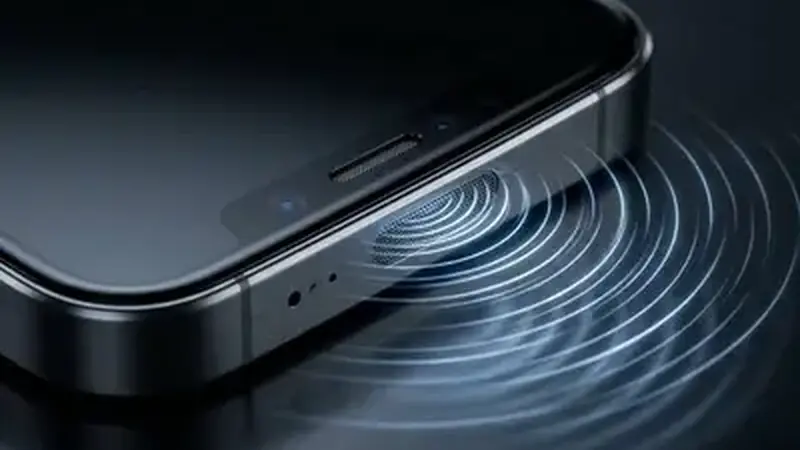
Check the obvious first
Turn the phone's media volume up with the side buttons while the stream is playing. Android has separate volumes for calls, media, and alarms, and the media one is the one that matters here. Also check the phone is not on silent or Do Not Disturb with media muted. Play a short video in another app first; if that has sound too, the phone is fine and the problem is the stream.
In-player volume and mute
Open the Yacine TV Black APK player controls and look for a mute icon. It is easy to mute a stream accidentally with a stray tap. Unmute it and drag the in-player volume up. Also try unplugging any wired headset and plugging it back in; a half-seated jack mutes media while calls still work.
Bluetooth and outputs
If your phone is connected to Bluetooth headphones, a speaker, or a car, the audio is going there. Disconnect Bluetooth or check the other device's volume. This is the single most common cause of no sound reports.
Restart the stream
If volume is fine everywhere, the stream's audio track may have failed to load. Go back to the channel list and reopen the channel, or try another channel. If video also stutters, treat it as a stream problem and follow the buffering fixes.