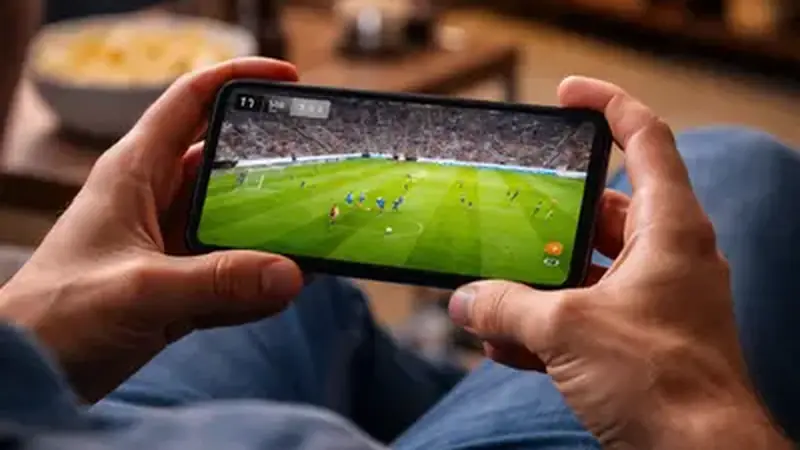
Get the app ready before matchday
Do the setup the night before, not five minutes before kickoff. Install the app from the Yacine TV Black APK home page, open it once, and confirm the channel list loads. Charge the phone and connect to Wi-Fi if you have it.
Find your match
Open the app and scan the channel list. Matches appear around their kickoff times, so a Saturday morning list looks thin and a Saturday afternoon list is full. The match finder guide explains the timing in detail.
Pick the right channel
Big matches usually appear on more than one channel. If the first stream stutters, go back and try another: server load differs per channel. Give each stream ten seconds before judging it; players often start rough and settle. If every channel for a match buffers, drop the stream quality one notch before switching channels again: a lower bitrate often plays smoothly where the top setting stalls, and on a phone screen the difference is hard to spot during live play.
Matchday checklist
Close background apps, lower the quality one notch if you are on mobile data, and keep a charger nearby. The channels guide shows what else is on besides football.