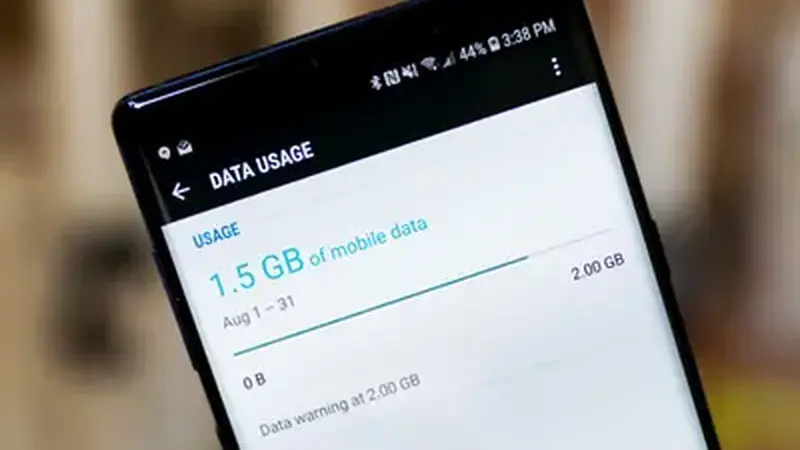
How much data a match uses
A 90-minute stream at high quality can eat several gigabytes. Medium quality roughly halves that, and the lowest smooth setting can bring a full match under a gigabyte. The quality settings guide maps settings to connections.
Lower the quality
This is the biggest lever. Drop one level in the Yacine TV Black app player and watch the data counter slow down. On a phone screen the difference is smaller than you would expect.
Use Wi-Fi for the first half
If Wi-Fi is available for part of the match, use it. Start on Wi-Fi, switch to data later: the player keeps going across the handover on most phones. Download nothing during the match: background app updates and cloud photo backups quietly eat the same data pool your stream needs.
Habits that save data
Close the stream when you are not watching (halftime counts), disable auto-play previews if your phone has them, and avoid re-opening channels repeatedly: every fresh stream start re-buffers. Set a data warning in Android settings for matchdays so you get a heads-up before the cap, and check usage at halftime to adjust quality for the second half. If streams keep stalling on data, the buffering fixes help there too.